Modern home printers have evolved into sophisticated multi-function devices that require expert configuration to achieve optimal performance, reliable connectivity, and seamless integration with your home network and multiple devices. At Bcom IT Solutions, we understand that printer setup extends far beyond simply plugging in a device - it involves configuring wireless connectivity, installing appropriate drivers, optimising print quality settings, establishing secure network protocols, and ensuring compatibility across all your computers, tablets, and smartphones. Our comprehensive home printer setup and troubleshooting services eliminate the frustration of technical complications while ensuring your printing solution operates efficiently and reliably for years to come.
Our certified technicians specialise in all major printer brands including Epson, HP, Canon, and Brother, providing expert installation, configuration, and ongoing support for inkjet printers, laser printers, all-in-one devices, and professional photo printers. From resolving complex Wi-Fi connectivity issues and driver conflicts to optimising print quality and implementing cost-effective printing solutions, our printer support services address both immediate technical problems and long-term performance optimisation. We handle everything from basic home office setups to sophisticated multi-device printing environments, ensuring seamless operation across Windows, macOS, iOS, and Android platforms.
Serving the entire Gold Coast region, we provide both emergency printer repair services for urgent printing needs and comprehensive setup consultations that maximise your printer's capabilities while minimising ongoing costs and maintenance requirements. Whether you're a busy family in Burleigh Heads struggling with constant paper jams and poor print quality, a home-based business in Robina requiring professional document printing capabilities, or retirees in Coolangatta who need simple, reliable printing for photos and correspondence, our home printer setup and troubleshooting services ensure your printing technology works exactly as intended, when you need it most.
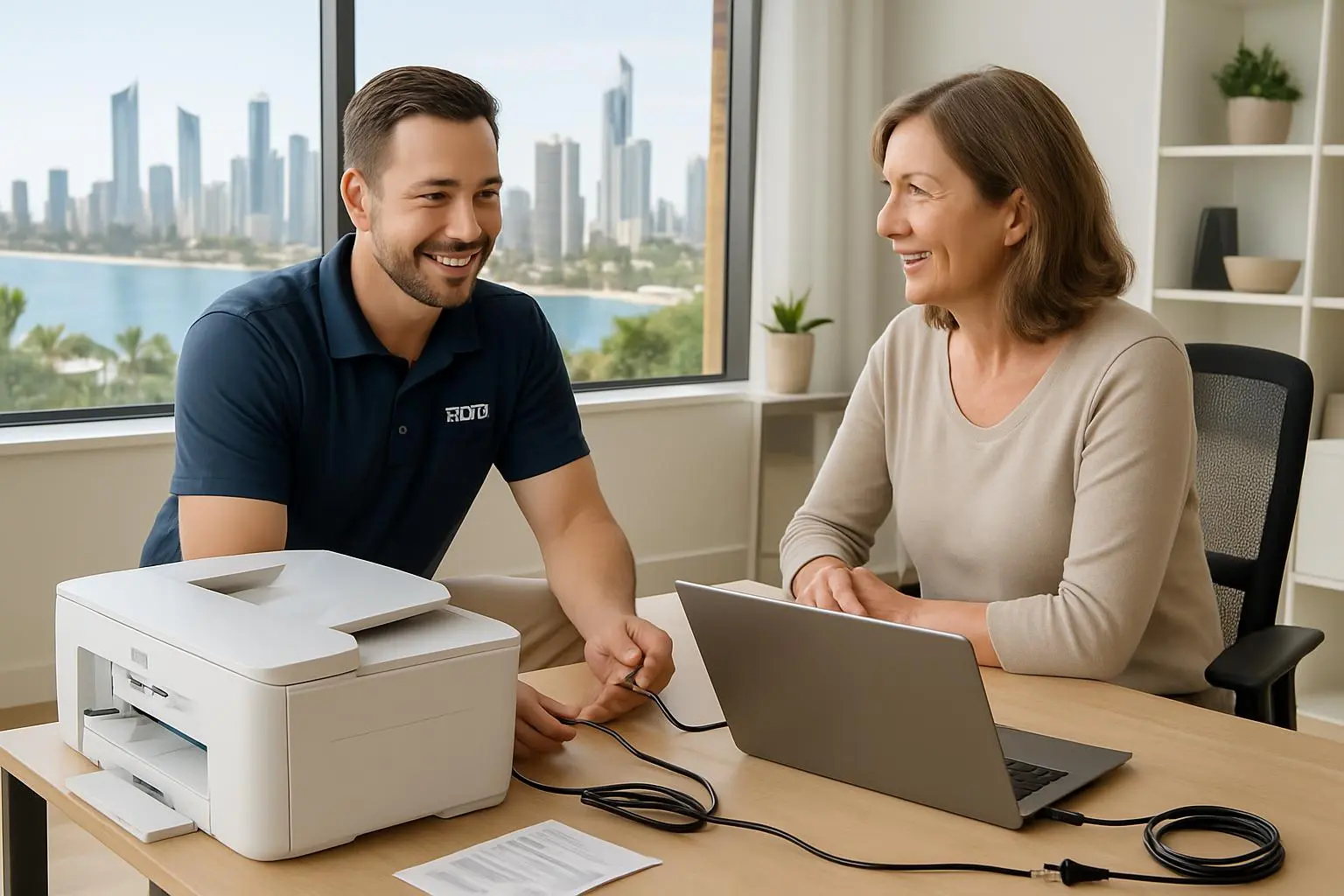
What We Do
Complete Printer Installation and Setup
Professional installation and configuration of all printer types including unboxing, hardware setup, initial calibration, print quality optimisation, and comprehensive testing to ensure optimal performance from day one.
Wi-Fi and Network Connectivity Configuration
Expert wireless network configuration including secure Wi-Fi connection setup, network protocol optimisation, firewall configuration, and multi-device access enabling seamless printing from computers, tablets, and smartphones.
Driver Installation and Updates
Comprehensive driver installation and updates for all operating systems including Windows, macOS, iOS, and Android, ensuring optimal compatibility, performance, and access to all printer features and functions.
Print Quality Optimisation and Calibration
Professional print quality optimisation including colour calibration, resolution settings, paper type configuration, and custom print profiles for different media types ensuring consistently excellent print results.
Paper Jam Resolution and Mechanical Repairs
Expert resolution of paper jams, mechanical issues, and hardware malfunctions including roller cleaning, sensor calibration, and preventive maintenance to ensure reliable paper feeding and smooth operation.
Ink and Toner Cartridge Troubleshooting
Comprehensive ink and toner troubleshooting including cartridge recognition issues, print head cleaning, cost-effective replacement recommendations, and compatibility verification for third-party cartridges.
Multi-Device Printing Setup
Advanced multi-device printing configuration enabling seamless printing from all family devices including computers, laptops, tablets, and smartphones with cloud printing integration and mobile app setup.
Ongoing Maintenance and Support
Comprehensive ongoing maintenance and support including regular cleaning, performance monitoring, software updates, troubleshooting assistance, and technical support to ensure long-term reliable operation.
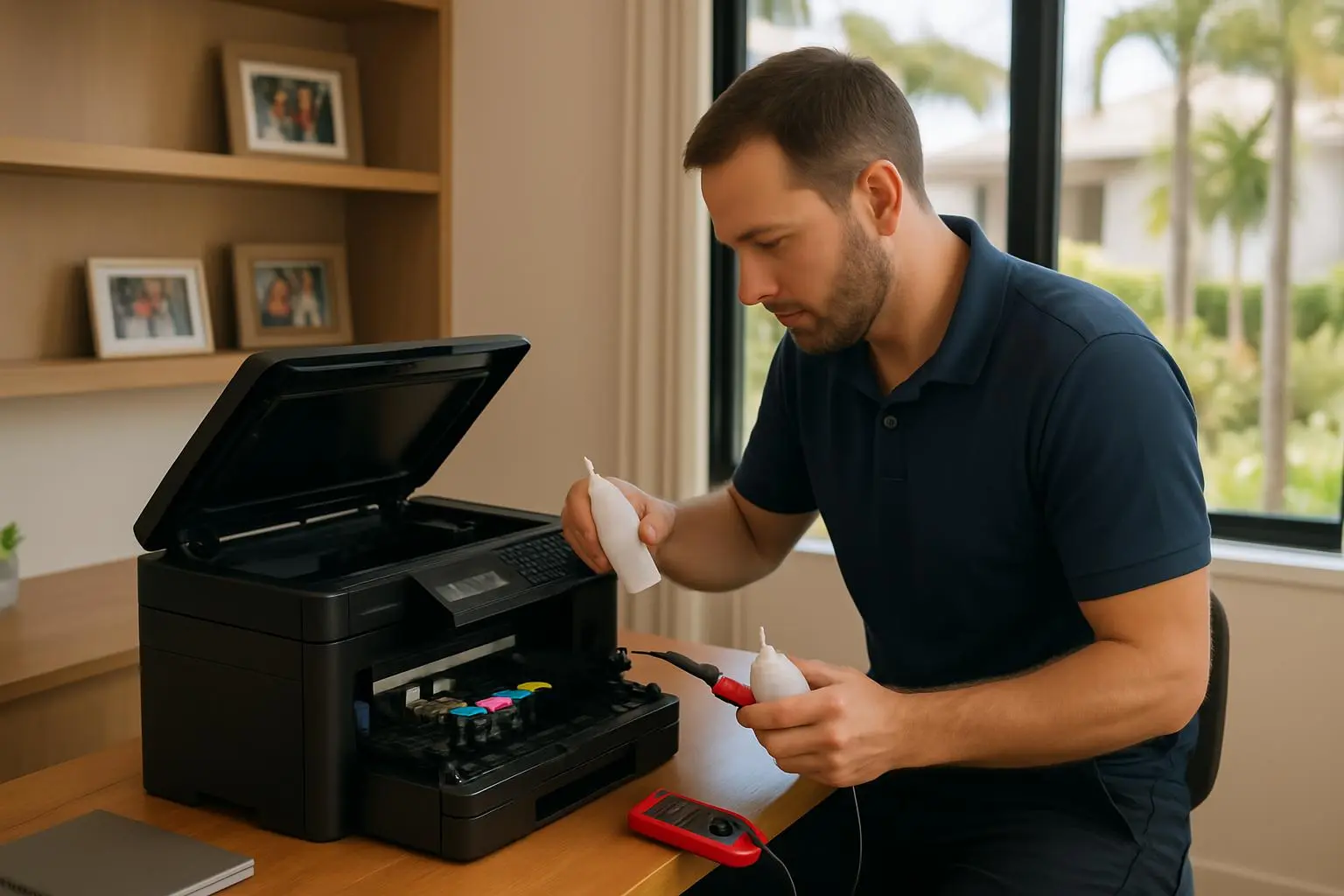
Practical Application: Seamless Family Printing Solutions
Consider a typical scenario we encounter regularly across the Gold Coast: a busy family in Burleigh Heads with teenagers, working parents, and grandparents living together who have purchased a new all-in-one printer to replace their old device, but are experiencing constant frustration with Wi-Fi connectivity issues, driver conflicts across different devices, poor print quality for family photos, and recurring paper jams that seem to happen at the worst possible times. The teenagers need reliable printing for school assignments from their laptops and tablets, the parents require professional document printing for work-from-home needs, and the grandparents want simple, one-touch printing for photos and correspondence, but the current setup requires different procedures for each device and frequently fails to work when needed most.
Our comprehensive printer setup service begins with a thorough assessment of the family's printing needs, network infrastructure, and device ecosystem, followed by professional installation that includes secure Wi-Fi configuration, driver installation across all devices, print quality calibration for different media types, and user training tailored to each family member's technical comfort level. We configure automated maintenance schedules, implement cost-effective printing settings, establish reliable backup printing options, and provide ongoing support that ensures the printer operates seamlessly across all devices and use cases. The result is a printing solution that works reliably for everyone - from the teenager printing last-minute assignments to the grandparents creating photo albums - with consistent quality, minimal maintenance, and the confidence that technical support is always available when needed across the Gold Coast region.
Why Choose Professional Printer Setup Over DIY
Expert Configuration
Professional setup ensures optimal performance, security, and compatibility across all devices, preventing common issues that plague DIY installations.
Time Savings
Avoid hours of frustration and troubleshooting with expert installation that gets your printer working perfectly the first time.
Ongoing Support
Professional installation includes ongoing technical support, ensuring help is available when you need it most.
Cost Optimisation
Expert configuration includes cost-saving settings and recommendations that reduce ink consumption and maintenance costs over time.
Common Printer Issues We Resolve
Wi-Fi Connectivity Problems
Intermittent wireless connections, network authentication failures, and device discovery issues that prevent reliable printing.
Driver Conflicts and Compatibility
Outdated drivers, software conflicts, and compatibility issues across different operating systems and device types.
Poor Print Quality
Blurry text, faded colours, streaking, and inconsistent print quality caused by incorrect settings or hardware issues.
Frequent Paper Jams
Recurring paper feeding problems, mechanical issues, and improper paper tray configuration causing constant interruptions.
Cartridge Recognition Problems
Ink or toner cartridge errors, compatibility issues with third-party cartridges, and print head problems affecting functionality.
Multi-Device Printing Failures
Inability to print from mobile devices, tablets, or different computers due to configuration and network setup issues.
Frequently Asked Questions
My printer won't connect to Wi-Fi. Can you fix it?
Yes, printer connectivity issues are very common. We can troubleshoot the connection between your printer, router, and computer to get you printing wirelessly again.
Do you support all printer brands?
We work with all major brands including HP, Canon, Epson, Brother, and Fuji Xerox. Whether it's an inkjet, laser, or multifunction device, we can help.
Can you set up my printer to scan to email?
Absolutely. We can configure the 'scan to email' or 'scan to folder' features on your multifunction printer, making it easy to digitise documents directly to your computer or inbox.
Do you come to my home?
Yes, we offer mobile service across the Gold Coast. Since printer issues are often related to your home network, it's usually best for us to troubleshoot onsite.
Need Home Printer Setup & Troubleshooting Services?
Get professional printer setup and troubleshooting services from Gold Coast's trusted IT experts. Same-day service available.
How to Troubleshoot Common Printer Issues
Check Connectivity
Ensure your printer is connected to the same Wi-Fi network as your computer. Print a network configuration page directly from the printer menu to verify the IP address.
Clear Print Spooler
If documents are stuck in the queue, open "Services" on your PC, find "Print Spooler", right-click and select "Restart". This clears stuck jobs.
Update Drivers
Visit the manufacturer's website (HP, Canon, Brother, etc.) and download the latest full-feature driver package for your specific model.
Re-add Printer
Go to Settings > Devices > Printers & Scanners. Remove the device, restart your PC, and then click "Add a printer or scanner" to reinstall it cleanly.